Getting results
If you are an admin, you can check the answers that have already been answered in a project by selecting the desired project on the My Projects page and going to:
Tasks > Browse
In the following sections it is explained how to download the tasks results and generating a report.
Downloading tasks results
If you want to download the results, go to your project menu and after:
Tasks > Export Tasks
You are going to see the next webpage:
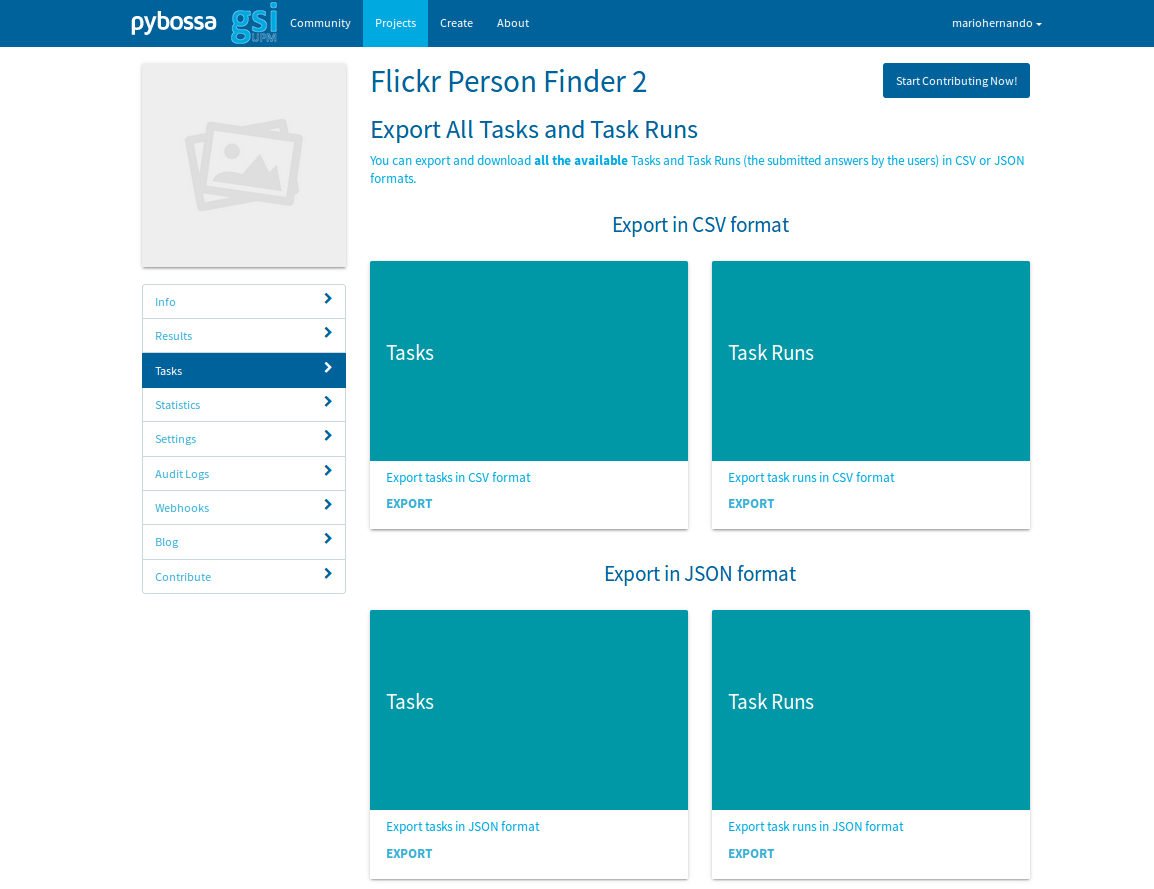
You can choose whether exporting your tasks in a CSV format or JSON format, after, a zip file is downloaded.
Generating a report
If you want to generate a report including the agreement of the raters in each question and the inter-agreement reached, in the report folder of projectexample, there is a script called report.py that would generate a report. In order to use it, you have to download the results as explained before in JSON format and extract the zips content. After, the report is generated by writing this comand if you have used golden questions:
python report.py report filewithids taskjsonpath taskrunjsonpath numberofcategories goldenpath
Where filewithids is the name of the file that have the id_str field of each tweet, taskjsonpath the path where your project task json is placed, thaskrunjsonpath the path where your project task run json is placed, numberofcategories is the number of possible answers; for example, if each task has to be labeled with Positive, Negative or Neutral, you have to substitute numberofcategories with a 3 and goldenpath is the path where your golden questions csv is placed. If you don’t want to have golden questions, leave this argument empty.
In order to have the inter-agreement Fleiss Kappa coefficient, you have to become aware of that in all the questions there have to be the same amount of users that have contributed.
After executing it, in the csv folder of projectexample you will find the files usertweetinfo.csv with the answers of each contributor and their trust score, goldenpercent.csv, with the agreement of each question taking into account the golden trust score of the users and majoritypercent.csv, with the agreement of each question taking into account the majority trust score.
In the shell, you are going to see the Fleiss Kappa coefficient of inter-agreement.